Reports
Reports Overview
Reports give you a complete overview of your business performance. They help you analyze sales, purchases, stock, expenses, and other important business data.
How to View Reports
- Go to Reports
- Select the report you want to view

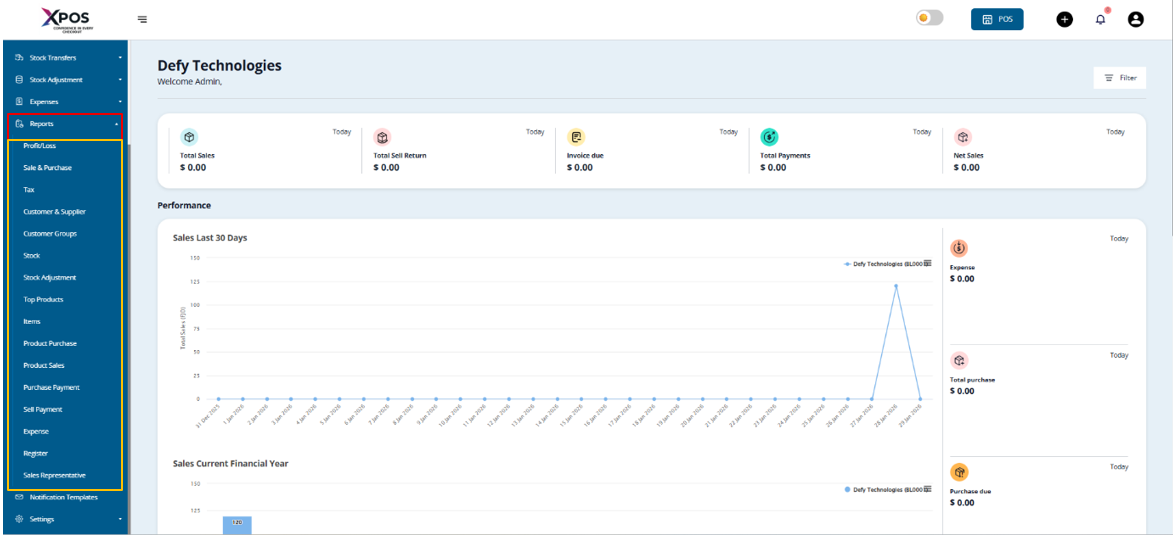
Many reports include filters that allow you to narrow down data and analyze your business more effectively.
1. Purchase & Sale Report
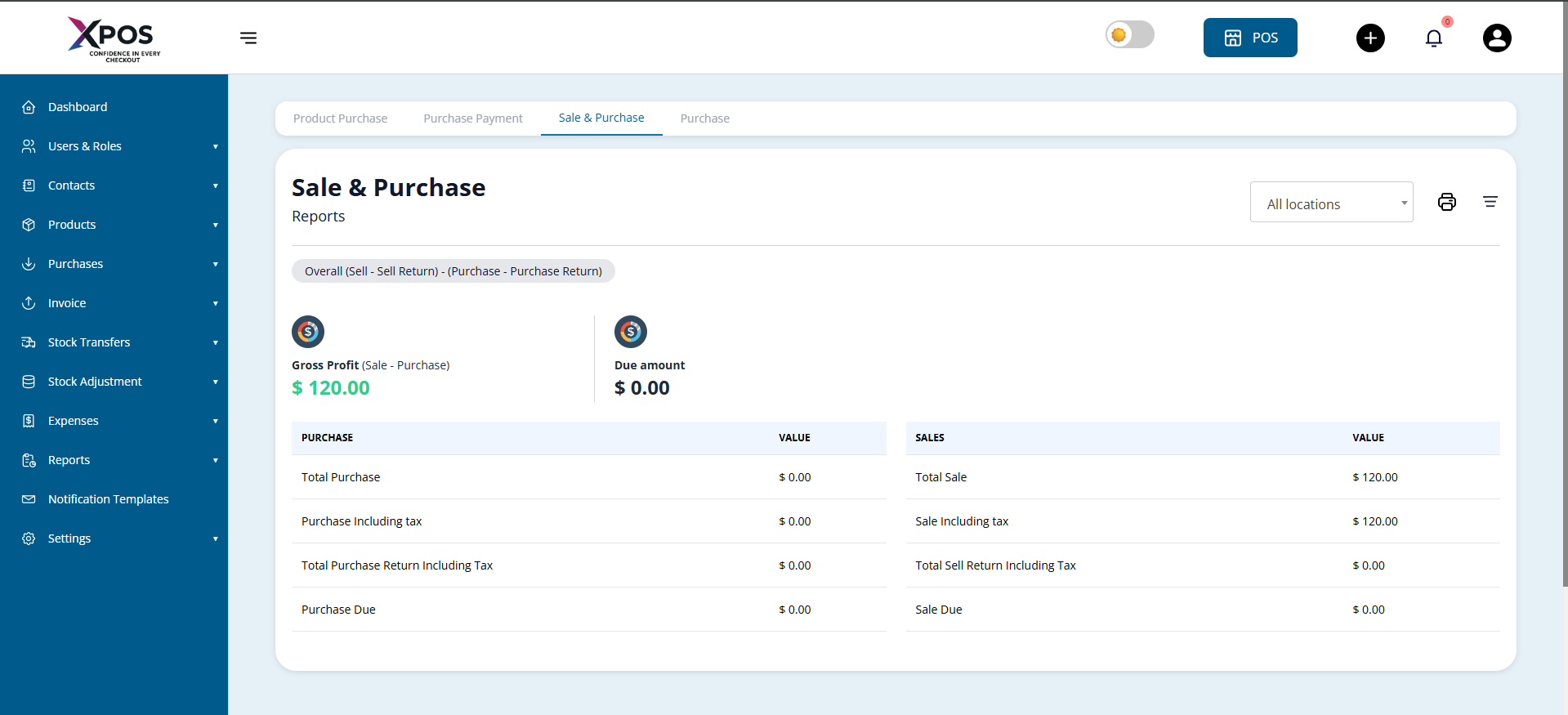
This report provides a summary of purchases and sales, including:
- Total purchases and sales
- Purchases and sales including tax
- Outstanding purchase dues
- Total sales and purchase
- Sales and Purchase including tax
- Outstanding sales and purchase dues

2. Tax Reports
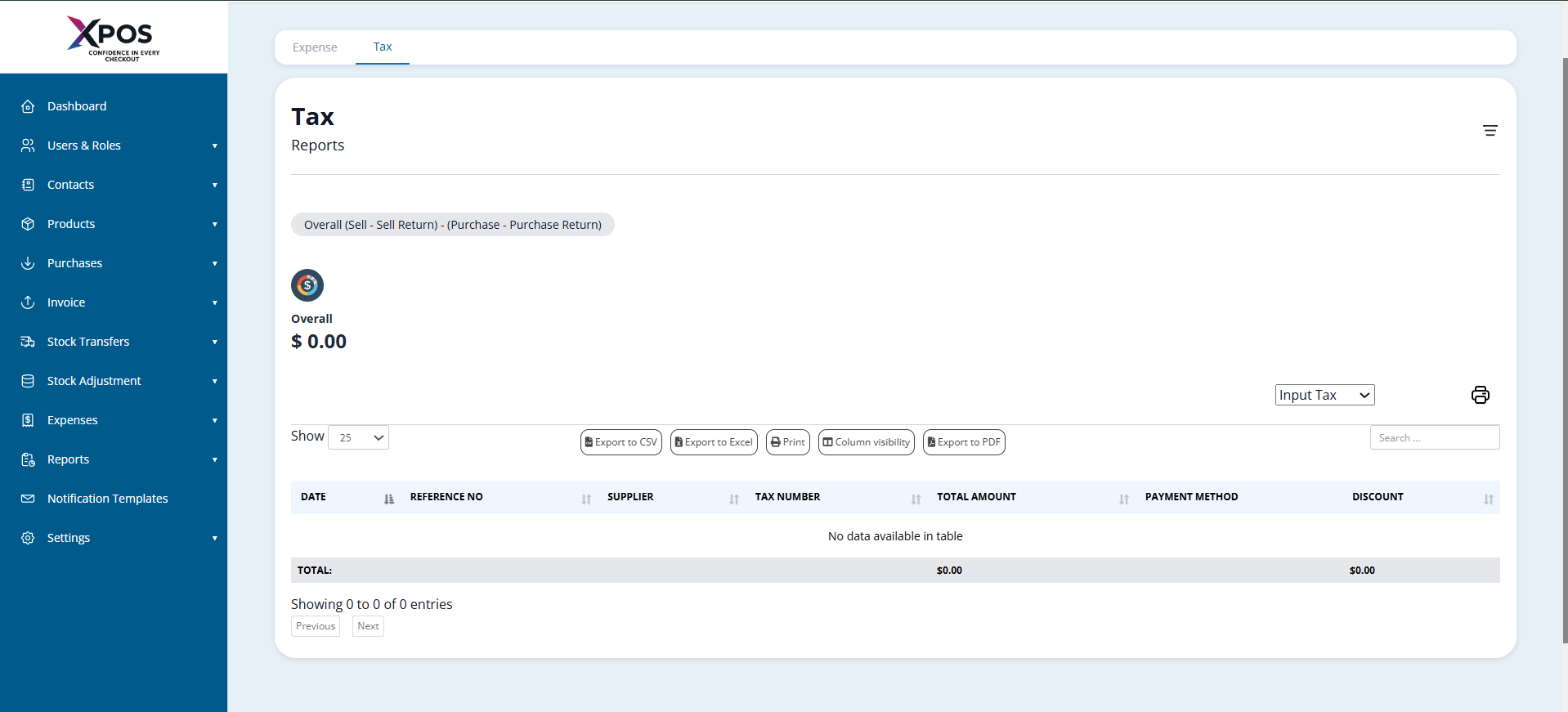
Tax reports show:
- Input Tax (tax paid on purchases)
- Output Tax (tax collected on sales)
 These reports help with tax tracking and compliance.
3. Contacts Report (Customers & Suppliers)
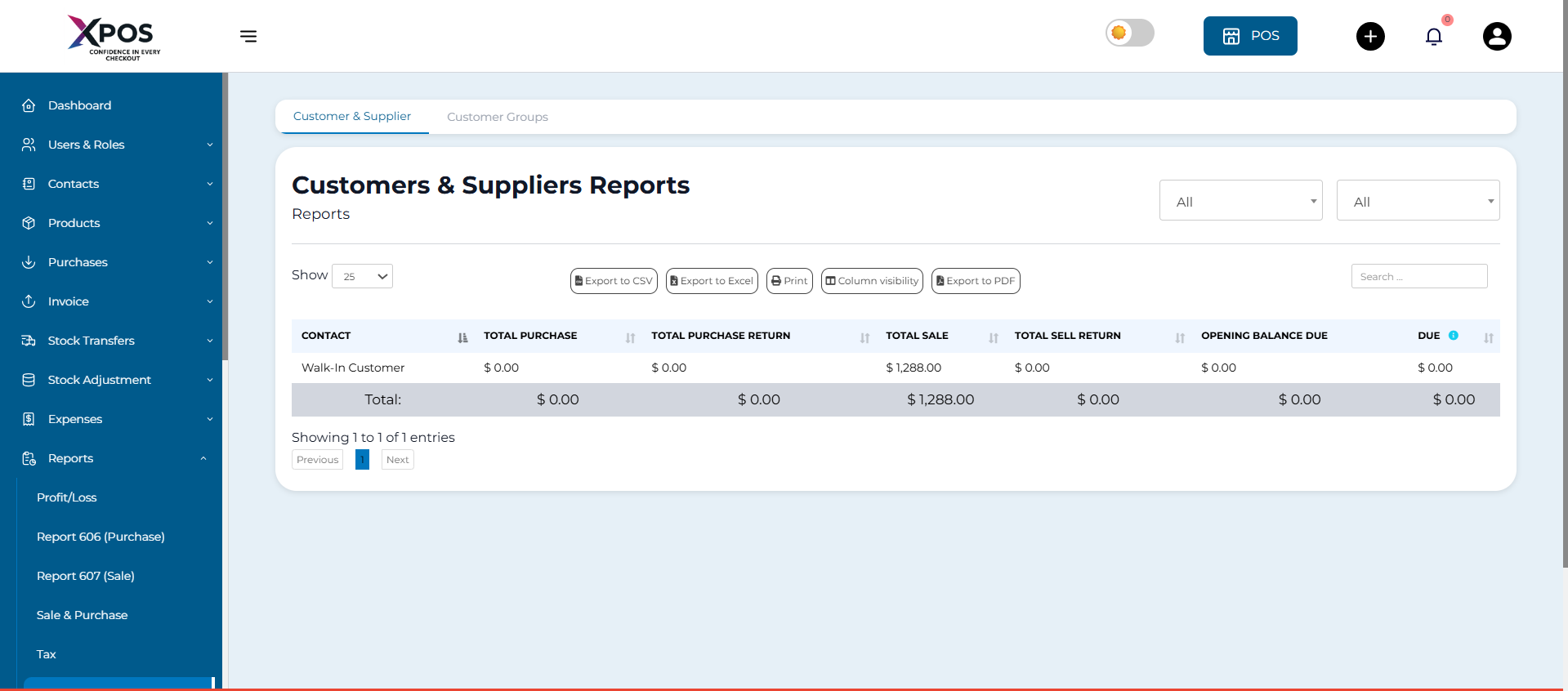
This report displays purchase and sales details for all customers and suppliers, along with outstanding balances.
- A positive due amount means payment is expected from the contact
- A negative due amount means payment is owed to the contact

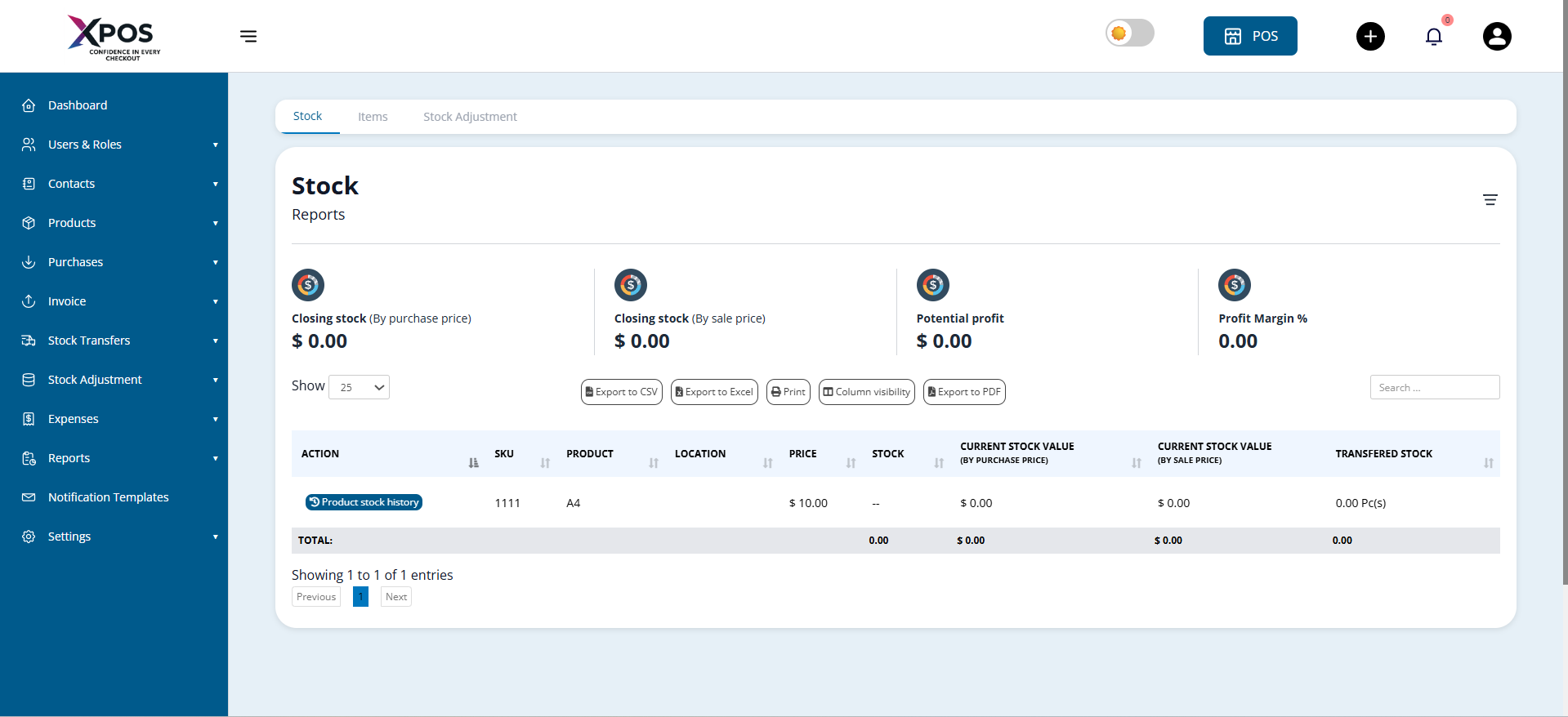
4. Stock Report
The stock report provides details of current inventory, including:
- Available stock quantity
- Total quantity sold for each product

5. Variable Products
- Click the green plus (+) button next to the SKU to view stock details for each product variation
Stock Value by Purchase and Sales Price
Within the stock report, you can also view:
- Current stock value based on purchase price
- Current stock value based on selling price
6. Product Stock History (Date-wise)
To track stock movement over time:
- Use the Product Stock History link in the stock report
- View stock changes based on selected dates
Trending Products Report
This report helps identify high-demand products.
You can apply filters such as:
- Business location
- Product category and sub-category
- Brand and unit
- Date range
- Number of products (Top 5, Top 10, or any custom number)
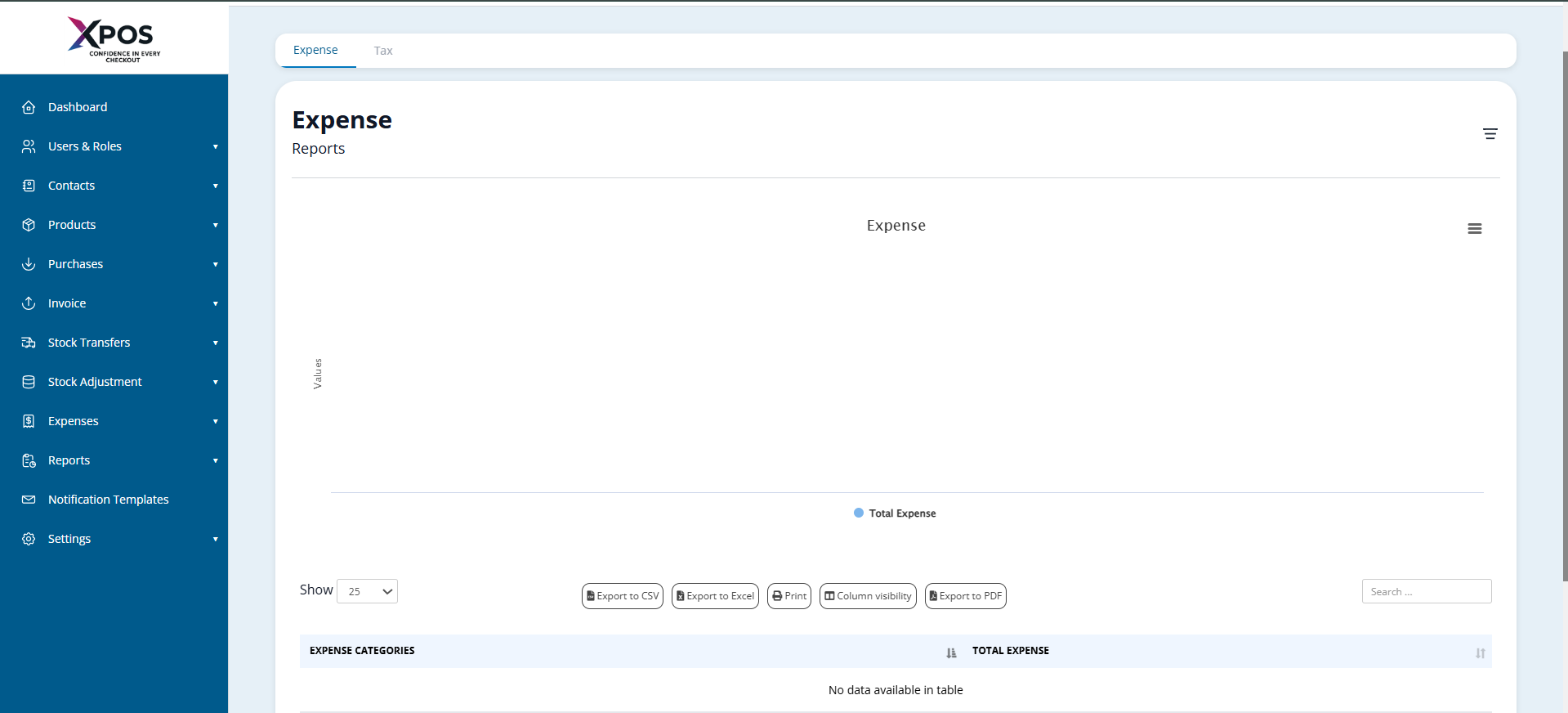
7. Expense Report
The expense report helps analyze:
- Expenses by business location
- Expenses by category

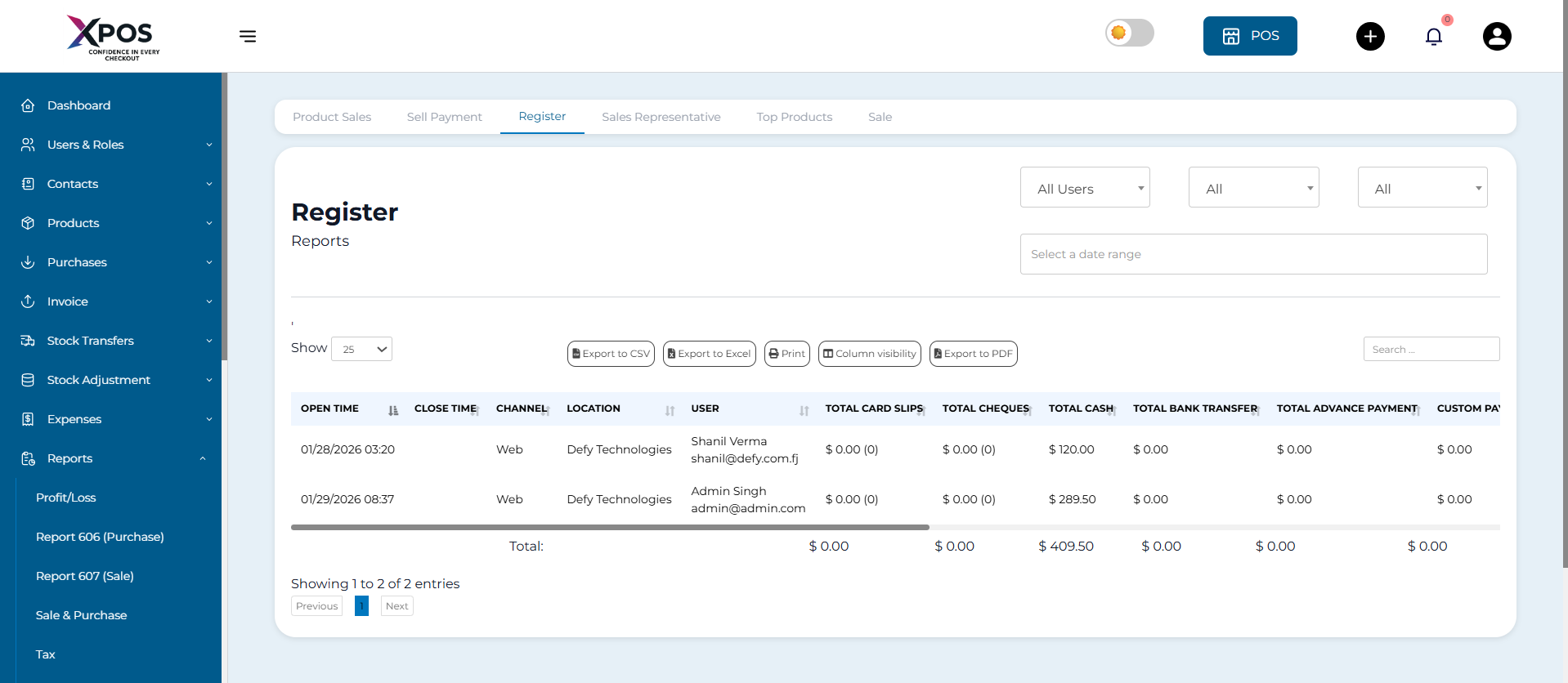
8. Register Report
This report shows details of all registers.
You can filter registers by:
- User
- Status (Open or Closed)

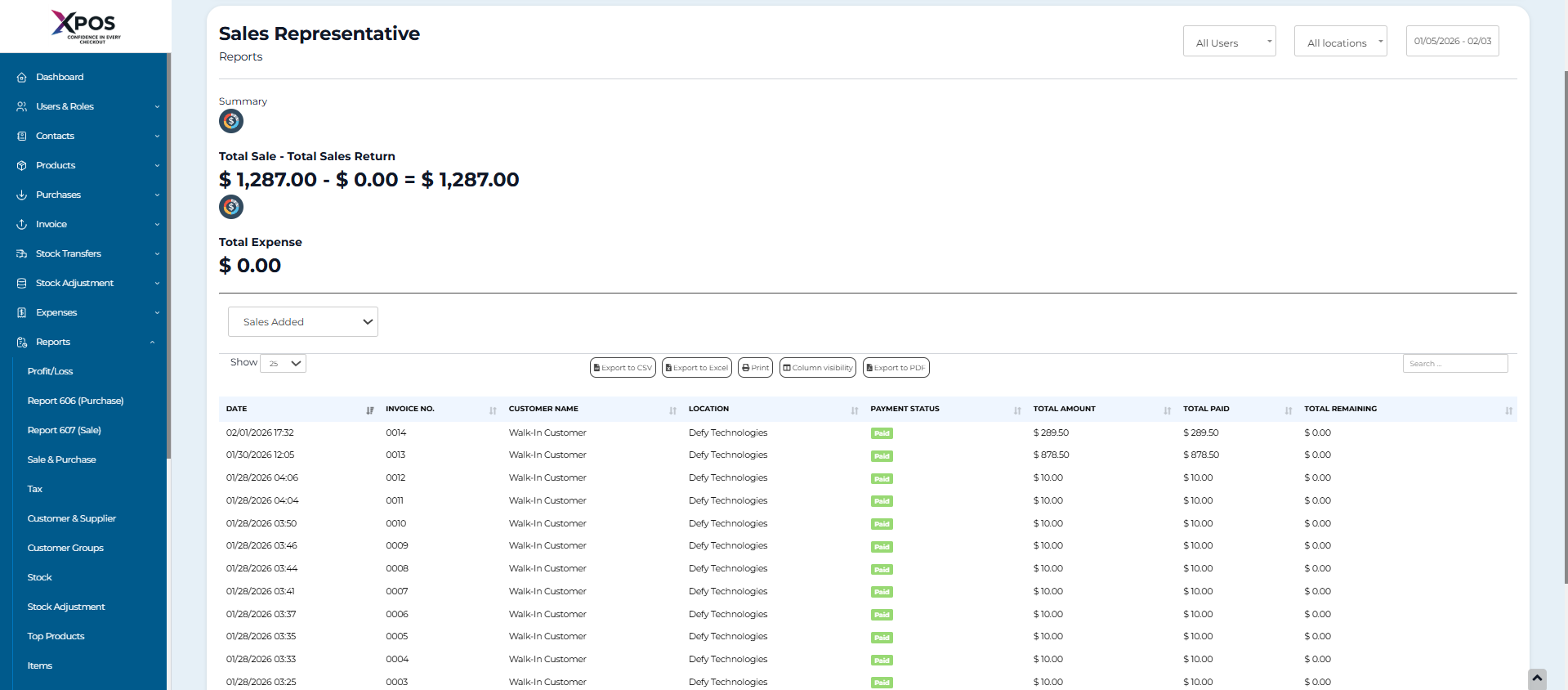
9. Sales Representative Report
This report displays:
- Sales data
- Expense data for sales representatives
Filters available:
- User
- Business location
- Date range

Grouping Invoices in Product Sell Report
Invoices can be grouped for easier analysis.
How to View Grouped Invoices
- Go to Reports > Product Sell Report
- Click the Grouped tab
Grouping Criteria
Invoices are grouped by:
- Date
- Product name
Example:
All sales of a specific product on the same day appear in one row. Sales of the same product on different dates appear in separate rows.