
Add Purchase
Step 1: Understand Purchase Invoice
- A purchase invoice is automatically created for every purchase entry in the system.
Step 2: Print a Purchase Invoice
- Go to Purchases → Add Purchases.
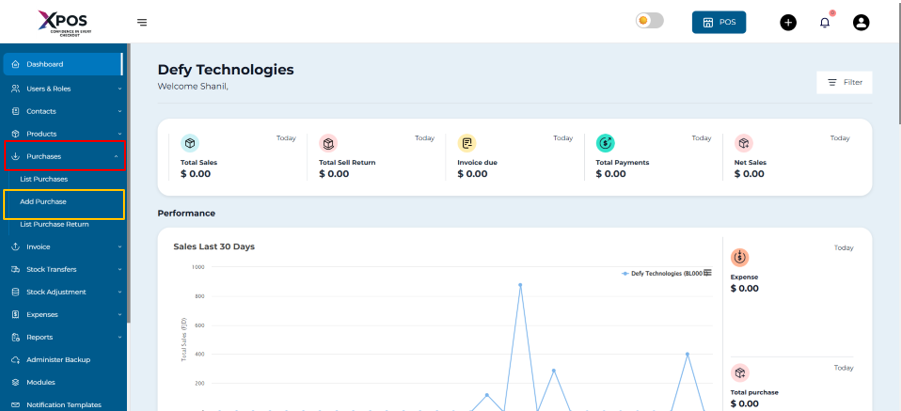
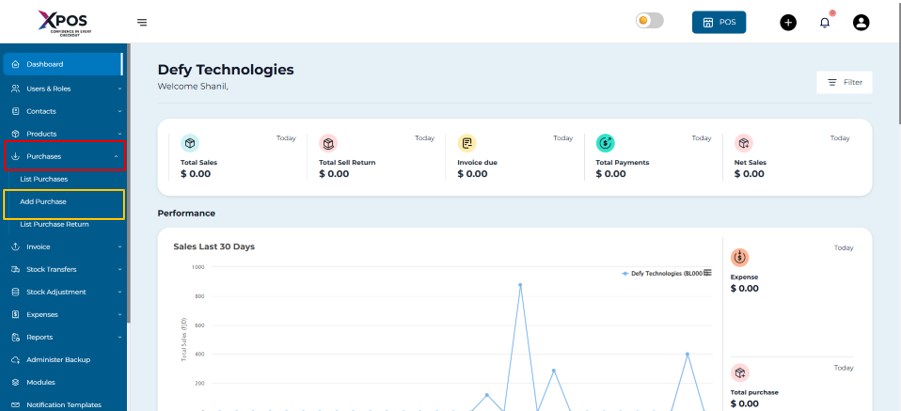
2.Locate the required purchase entry.
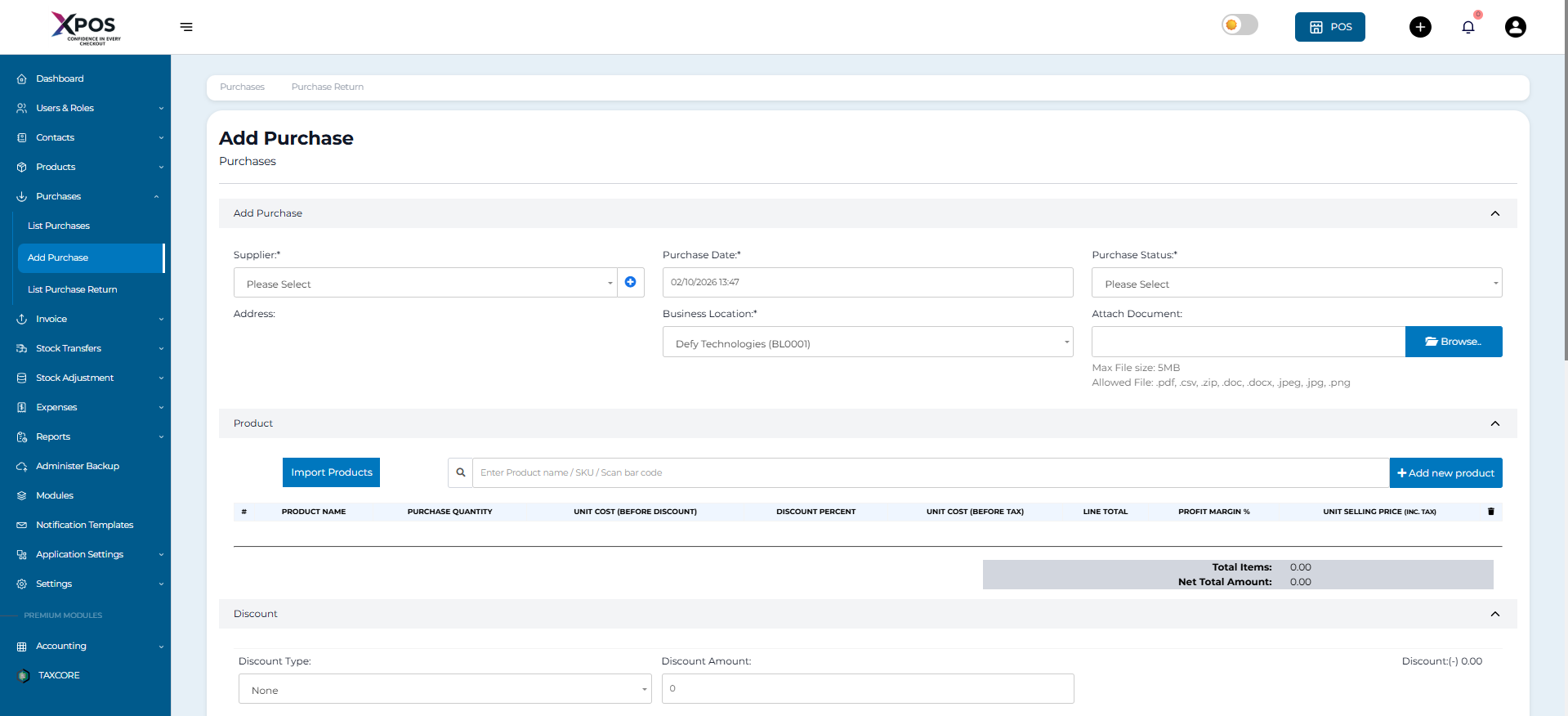
-
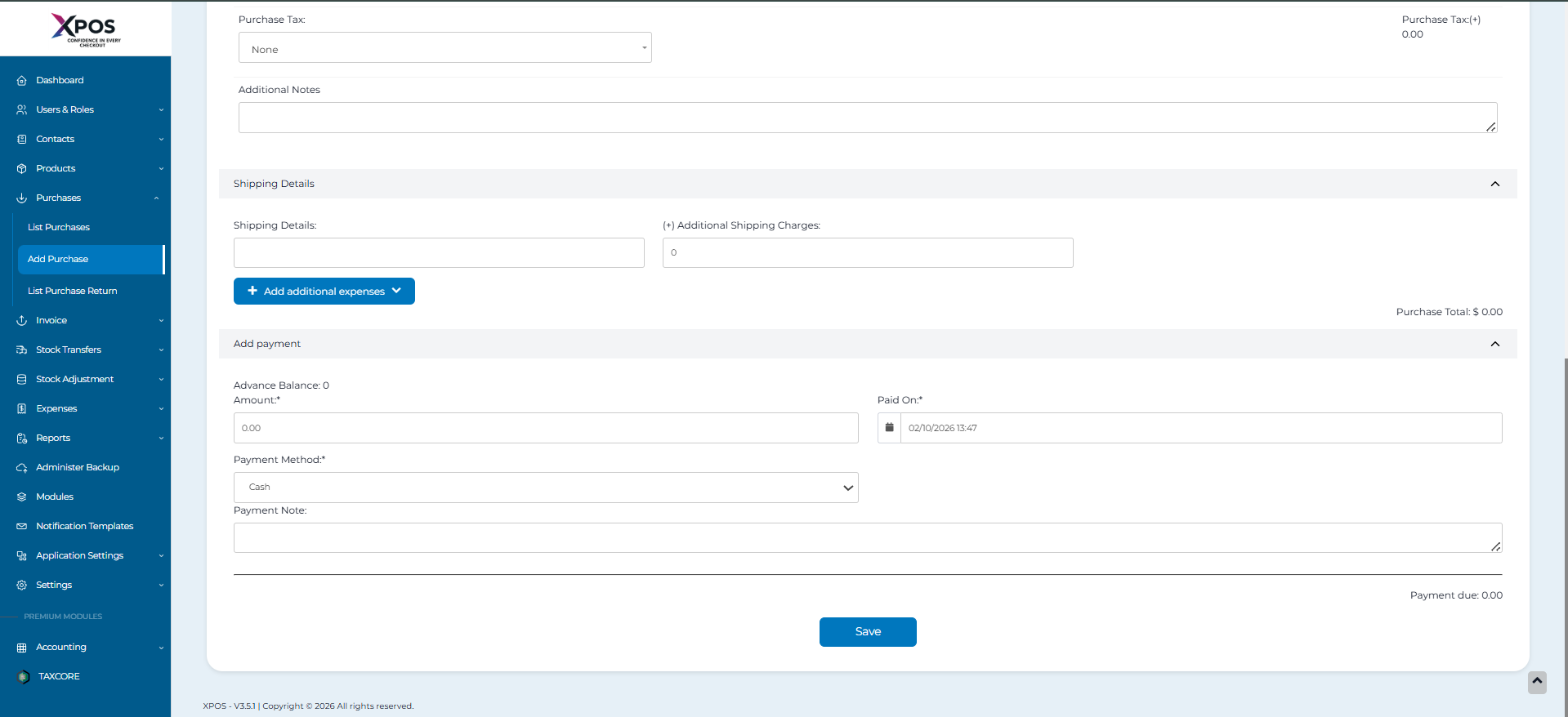
Click Save.
-
Select Print to generate the purchase invoice.
Step 3: Barcode on Purchase Invoice- A barcode is automatically generated on the purchase invoice.
- The barcode is based on the Purchase Invoice Number.